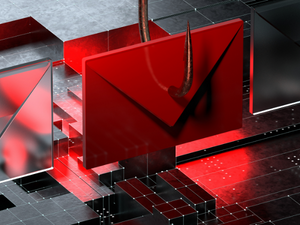
Phishing emails are a common form of cyber attack that aim to trick people into revealing sensitive information such as login credentials or financial details. These types of emails can be difficult to identify, particularly if they are convincingly crafted and seem legitimate. However, there are several key indicators that can help you spot a phishing email and protect yourself from falling victim to these attacks.
- Look out for suspicious sender information: One of the easiest ways to identify a phishing email is to examine the sender information. If the sender's name or email address appears unfamiliar or is from a generic email address like "noreply@company.com," it could be a red flag.
- Check for typos and poor grammar: Phishing emails are often created hastily and may contain typos or poor grammar. While not all emails with typos are necessarily phishing attempts, it is always wise to be cautious of emails that contain obvious mistakes.
- Beware of emails that use strong language to create a sense of urgency or fear. These types of emails may be trying to scam you, often by asking you to "urgently" update your account information or threatening to suspend your account if you don't take immediate action. These could be signs of a phishing attempt
- Exercise caution with links: If an email contains a link, hover your mouse over the link to see where it will actually take you. If the link looks suspicious or leads to a website with a strange domain, it is probably best to avoid clicking on it.
- Watch out for requests for personal information: Legitimate companies rarely ask for personal information, such as login credentials or financial information, via email. If an email asks for this type of information, it is likely a phishing attempt.
- To enhance the security of your account, consider enabling two-factor authentication (2FA). With this feature, you will be prompted to provide an additional code, which will be sent to your phone or email, in addition to your password when logging in. This added layer of protection can make it more difficult for attackers to gain access to your account, particularly if they are attempting to use phishing tactics.
By following these tips, you can help protect yourself from phishing attacks and keep your sensitive information secure. Always be cautious when opening emails, especially if they seem suspicious, and never click on links or enter personal information unless you are certain the email is legitimate.

