Most Rhode Island business owners understand that multi-factor authentication (MFA) is one of the best ways to prevent cloud account compromise. With so much business data being stored in the cloud and so many workflow processes dependent upon cloud solutions, protecting these accounts is vital.
Attacks on cloud accounts have increased 630% during the pandemic, making cloud security even more of a priority. One compromised cloud account can mean compliance violations, a ransomware infection, expensive downtime, and more.
The cloud has become an indispensable part of business during the pandemic and continues to be where a majority of companies (small, medium, and large) access work tools critical to running their business.
According to a study cited by Microsoft, MFA is 99.9% effective at stopping cloud accounts from being hijacked through compromised passwords. So, you would think that it’s an obvious safeguard that all businesses should be using, but this just isn’t the case. Especially so when it comes to small and medium-sized companies.
In a global study on password security, it was found that enterprises were doing much better than SMBs when it came to using multi-factor authentication. The study found that the percentage of MFA use was:
- Enterprises: 87%
- Medium-sized Businesses: 44%
- Small businesses: 27%
What’s going on? Why don’t more SMBs use this effective account safeguard and cybersecurity best practice?
A lot of the reason boils down to users finding MFA inconvenient and business owners being worried about negatively impacting productivity. But user pushback on MFA can be overcome if you use some best practices to reduce resistance and implement this authentication protocol more conveniently.
We’ll go through some best practices next!
Best Practices for MFA Implementation
Get Users Onboard Early & Use Change Management Tactics
One mistake that companies often make is to decide that MFA is going to be implemented and only tell their users at the time it’s going into effect. Not being part of the conversation often causes resentment because the change is something workers are being made to do without any say or warning.
This can cause resistance that can lead to a company abandoning MFA shortly after implementation, leaving their accounts less secure.
Bring employees into your MFA evaluation in the early stages, so they’re part of the solution and feel included. Change management tactics can help you with a roadmap for implementing a successful process change and mitigating barriers and user pushback.
Some of the tactics include:
- Communicating regularly about the planned change in workflow
- Getting support from supervisors and “change champions” to mitigate user resistance
- Providing adequate training
- Providing post-go-live help desk support to get users over any bumps
Introduce Single Sign-On With Your MFA Implementation
You can address the biggest issue that users and managers alike have with multi-factor authentication by using it with a single sign-on (SSO) application.
The biggest issue people have with MFA is that it takes longer to log into the many online accounts and SaaS tools that users must access throughout their workweek.
An SSO application will reduce the time to access online work tools because it allows users to log into several accounts at one time. Introducing this along with MFA will reduce the login time and improve productivity, alleviating one of the biggest MFA barriers to adoption.
Provide Authentication Options for Users
While employees may not have a choice in choosing to use MFA, you can give them a choice in how they use it. Providing some different authentication options can give users at least some ownership of the process, which will help promote support and reduce resistance.
Some of the potential options you can provide for your users include:
- Using biometrics for authentication (e.g., fingerprint or facial scan)
- Using a security key that inserts into a device
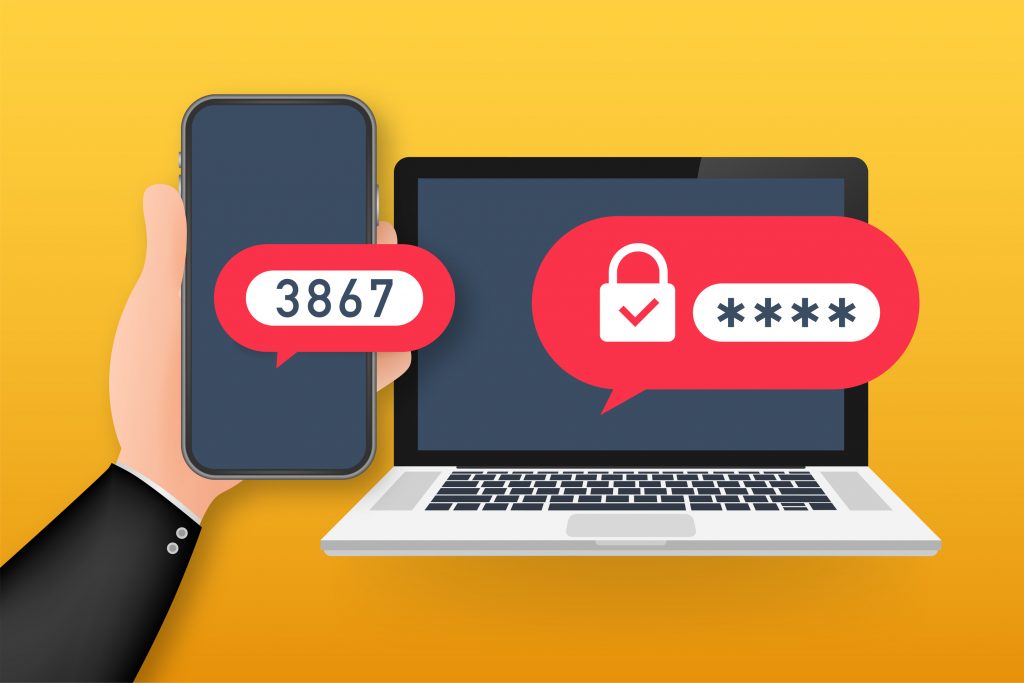
- Receiving the MFA code by text message
- Receiving the MFA code through a device app prompt
Remove Some User Barriers With Contextual Triggers
If you have someone logging into a cloud application and you know they’re on your company’s Wi-Fi, you can consider them less of a threat than a user logging in from outside the country of your operations.
Using some contextual triggers for things like geographic location, IP address, time of day for login, etc. can help you make MFA more efficient and remove some unnecessary barriers for your users.
Contextual MFA triggers provide a higher level of security without adding hurdles to legitimate users.
Get Help Improving Your Cloud Account Security Today!
Onsite Techs of Rhode Island can help your small or mid-sized business put an affordable and convenient multi-factor authentication system in place that keeps your accounts safe without slowing down your employees.
Contact us today to schedule a consultation at 401-773-7766 or book a video call now.

