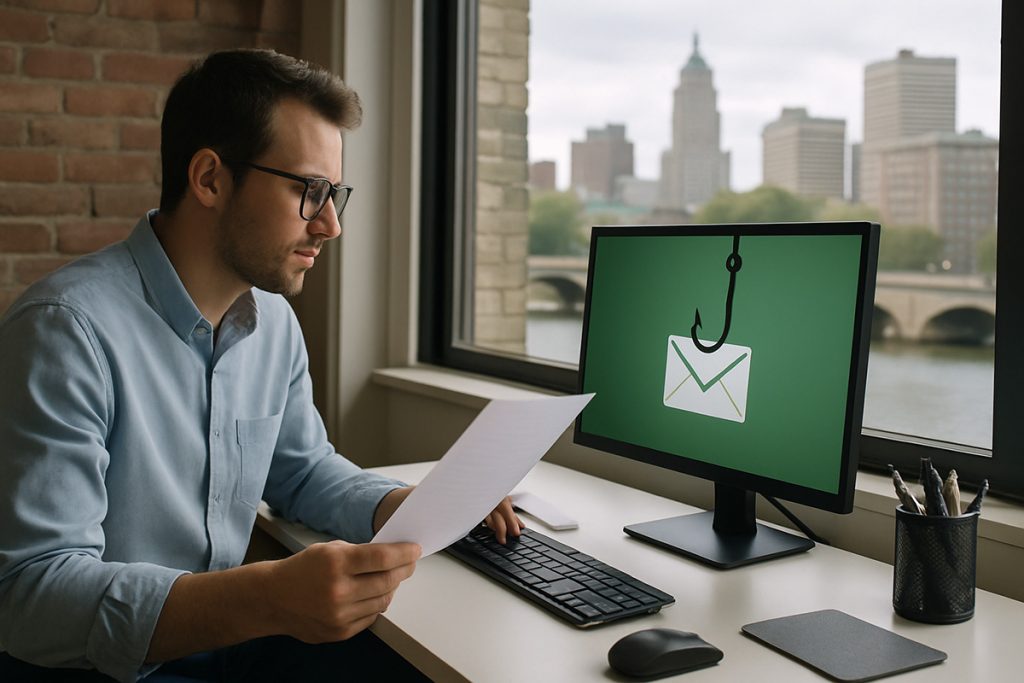
Phishing is the oldest trick in the book, and your people have probably sat through training on it more than once. So why does it still land? Because phishing doesn't attack your technology first. It attacks timing, trust, and human behavior. Until you treat it that way, you'll keep buying tools and wondering why the problem never fully goes away.
It doesn't attack your technology first
Most people who click a bad link aren't careless. They're busy, distracted, under pressure, or simply trying to be helpful. The email arrives at the wrong moment, looks routine, and asks for something small. That's the whole game. A phishing email is engineered to slip past a person who has forty other things to do, not to defeat a firewall.
The bait has also gotten far better. Years ago a lot of phishing was obvious: bad spelling, off-brand logos, a sender address that made no sense. Today it shows up as a Microsoft 365 security alert, a DocuSign request, a voicemail notification, a shipping notice, a vendor invoice, or a message that looks like it came from someone inside your own company. The old advice to "watch for typos" is close to useless now. The good ones look exactly like the real thing.
Training helps — but don't mistake it for a control
Security-awareness training has value, as long as you're honest about what it is and isn't. Training is not a firewall. It's not email filtering, MFA, or a backup. It should never be the only thing standing between your business and a breach.
The goal of training isn't to turn every employee into a security expert — that's unrealistic. The goal is narrower and more achievable: make people just suspicious enough to pause before they click, open, approve, or reply. A two-second pause is often the difference between a near miss and a bad week. But a pause is a backstop, not a strategy. If your defense plan is "our staff should know better," you don't have a plan.
What actually stops phishing is layers
When a prospect asks me what stops phishing, my honest answer is that no single thing does. What works is layers, each one catching what the last one missed.
The first layer is email filtering — blocking as much junk, malware, impersonation, and obvious phishing as possible before a human ever sees it. The second is identity security: MFA, strong password policy, conditional access where it fits, and monitoring for suspicious logins. The third is user awareness, so people recognize what phishing looks like today, not what it looked like ten years ago. The fourth is permissions — if one account gets compromised, how much can it actually reach? The fifth is backup and recovery, so that if phishing turns into ransomware, a deleted mailbox, or a hijacked account, you can still get the business back.
Skip a layer and you've left a clean path from one bad click to real damage. The layers are cheap compared to the incident they prevent.
Phishing is a business-process problem, not just an employee problem
This is the part most owners miss, and it's the one I wish every one of them understood. Phishing isn't only an IT issue or an employee issue. It's a workflow issue.
Ask yourself a simple question: can one email convince someone here to wire money, change a direct deposit, release W-2s, buy gift cards, or grant access — without a second person checking? If the answer is yes, that's not a technology gap. That's a process gap, and no amount of training closes it reliably. The fix is a rule, not a reminder: money movement and account changes require out-of-band verification — a phone call to a known number, not a reply to the email. Build the check into the process and you stop depending on someone catching the trick in the moment.
If you fix one thing first, make it MFA
Email filtering matters because it shrinks how many threats your people ever see. User behavior matters because people are still part of the defense. But if I had to pick the single biggest lever, it's multi-factor authentication.
MFA is usually the difference between a stolen password becoming a full account takeover and a stolen password being just that — a stolen password that doesn't open the door. CISA's guidance is blunt on this: requiring a second verification step beyond the password makes an account dramatically harder to compromise. It's one of the highest-return security moves a small business can make, and on Microsoft 365 it's already included in what you're paying for. The catch is that it has to be turned on everywhere — every user, every admin account, no exceptions — because attackers go straight for the one account that was skipped.
Where this leaves you
Phishing will keep working as long as businesses treat it as a thing employees should "know better" about. The companies that actually reduce their risk do two things: they stack the technical layers so fewer threats ever reach a person, and they fix the workflows so no single email can move money or hand over access on its own.
If you're not sure which layers you have in place — or whether MFA is genuinely on for everyone — that's a worthwhile afternoon to spend. We're happy to walk through it with you and tell you straight where the gaps are.

